
If you’re a nerd like me, you’ve been tracking all the Apple Vision Pro reviews as they’ve been becoming available over the past week or so. When I headed down to Iowa’s only Apple Store on February 3rd, I had a good idea of what to expect from my time with Apple Vision Pro. But when I tried it myself, I was pretty torn. The technology and design was incredible and felt like something a lot of people will have in a couple of years. But as for me, I had issues with my prescription and sight and that means that until there are hardware changes to either the Vision Pro or the ZEISS lenses, I can’t really use Apple Vision Pro. And that left me pretty disappointed.

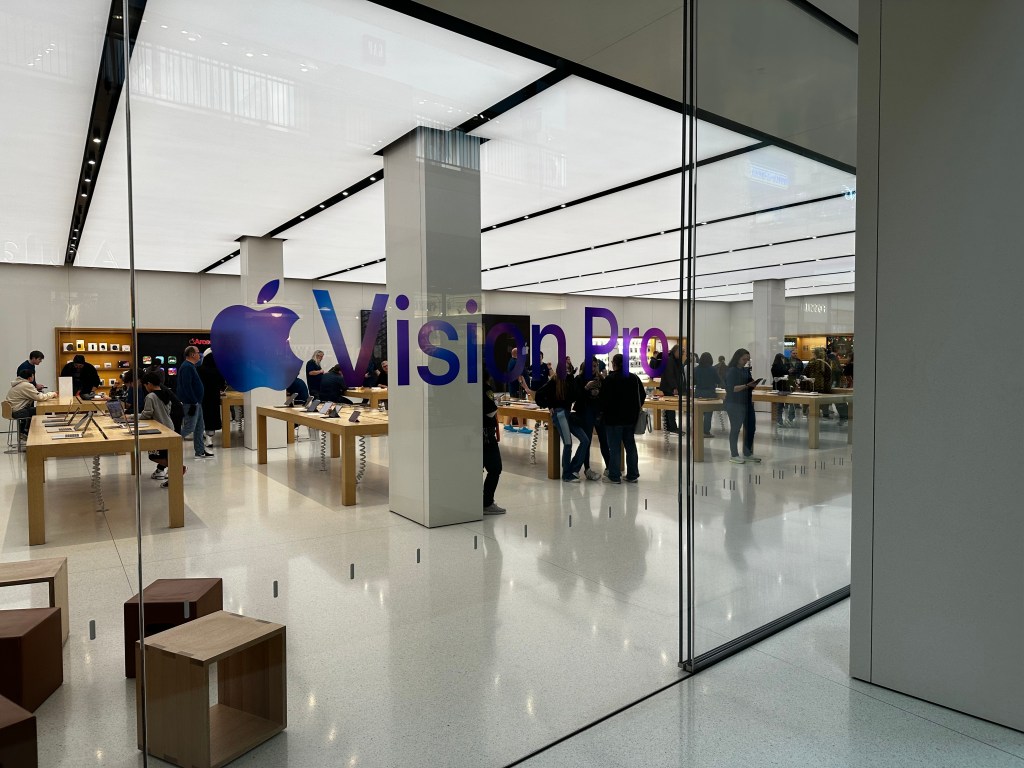
I arrived with my partner to the Apple Store about 5 minutes before it opened. Inside I could see Apple employees handled in the back of store between the forum and the table where they would soon be giving demos of Apple Vision Pro to visitors. There were just a handful of us outside the store, most of us wanting to demo the new product, of course.

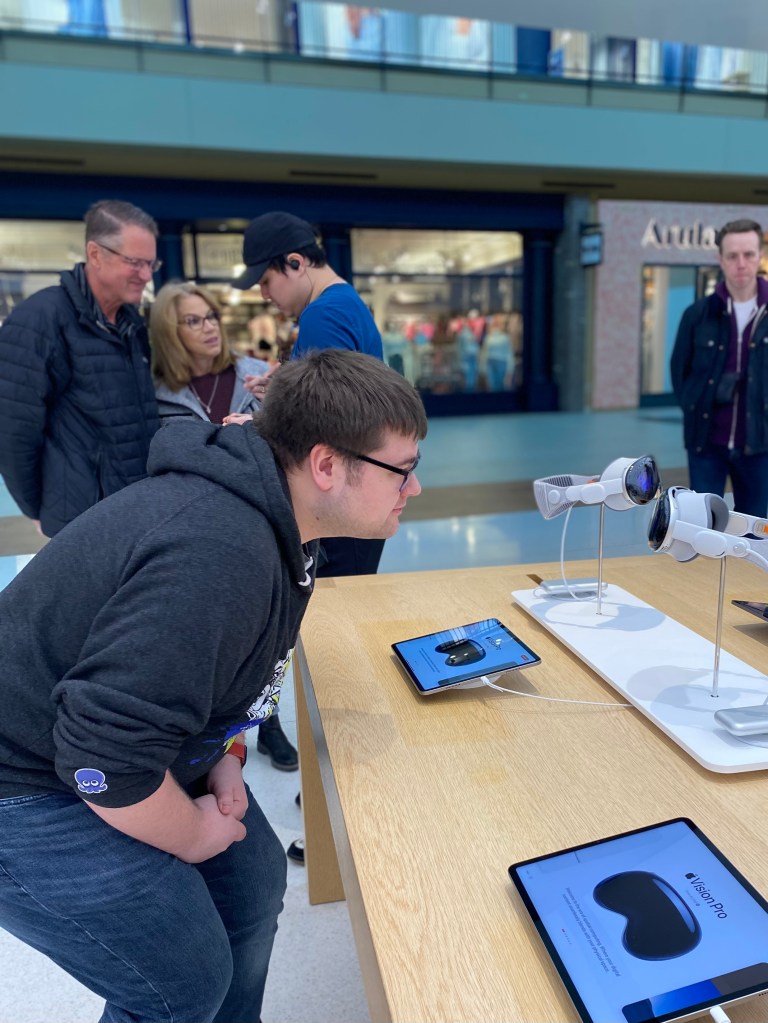
Inside the store I could see a new table had appeared since I last visited that had 4 Apple Vision Pro headsets set on top of it. 2 headsets per white tray showing the Vision Pro from different sides with the power cable gently draping down to the large silver battery laying on the table next to it. In just a few moments, I was going to be putting one on and seeing if this product was all it was hyped up to be.
Once the store opened, we were greeted by an employee who took some information from us and had us wait by the Vision Pro product table until they were set for us.
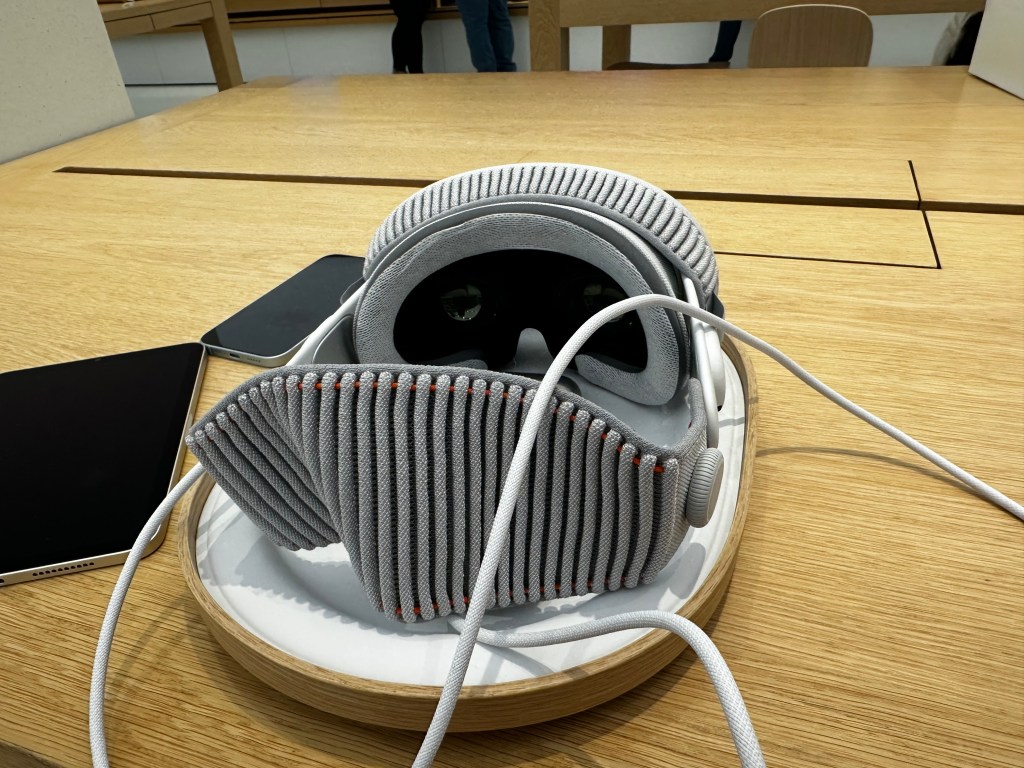
After a quick survey on my phone, I began to closely inspect the Apple Vision Pro in front of me. I don’t know if I can say it’s a beautiful device, but it is pleasant to look at. You can really see the amalgamation of different Apple products from the past decade in this devices design. The frame of Apple Vision Pro is relatively thin and unapologetically looks like the silver aluminum iPhone of the 6 and 6s era. The Audio Straps are pure white like AirPods. The power cable that connects the device and its battery is braided akin to the current generation MagSafe charges Apple uses for the MacBook Pro. The fabric of the Light Seal and Solo Strap around the back looks like it came off either a next generation AirPods Pro Max canopy or Apple Watch band. And speaking of the Apple Watch, the only two ways to physically interact with the device are by the Digital Crown and Top Button (which looks identical to the Watches Side Button). I did notice a few odd inconsistencies in the stitching of the Light Seal, but I’m not sure if this was intentional and it just looked off to me, or if the stitching is more even on production units than the demo units on display.
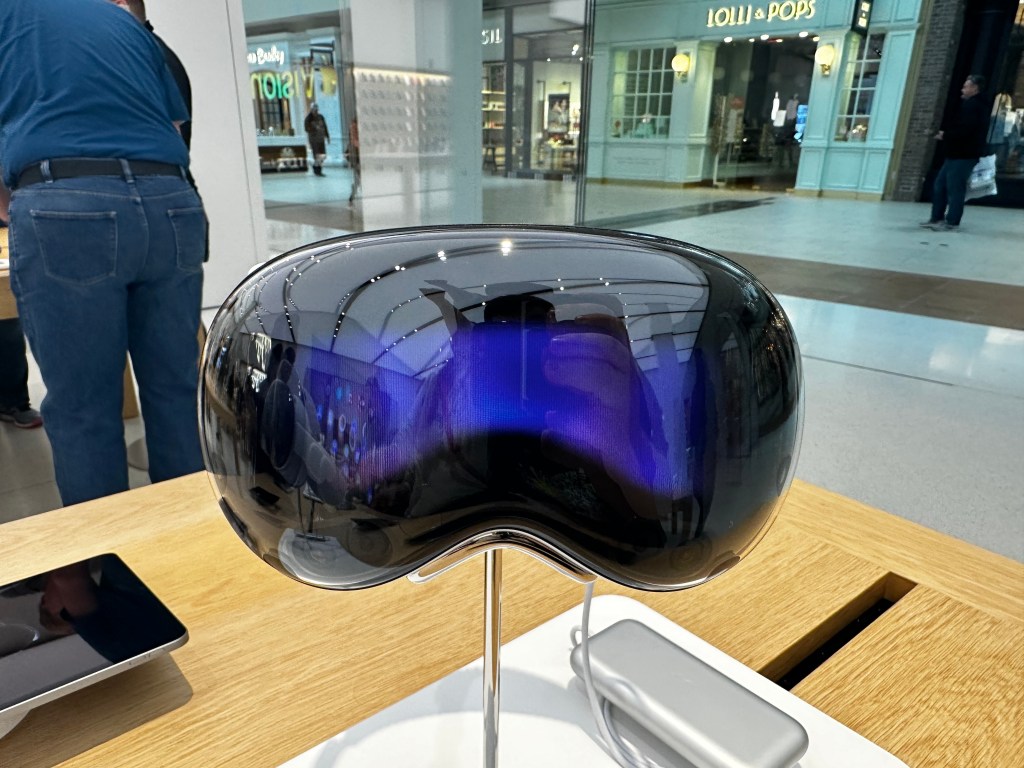
By far the part of the design that stood out the most to me was the outward facing EyeSight display. When revealed at WWDC last year, Apple said that it was “foundational” to Apple Vision Pro to make the device not feel isolating. Based on reviews from the past week, I’m not totally sure it succeeds at that goal. But the EyeSight display does do a few other things which I certainly find interesting, if not compelling. For example, when setting up a Persona, large colorized arrows direct you to turn your head to the left, right, up, and down. And when installing a visionOS update, you can see a progress bar and an Apple logo when it begins to reboot.
My main concern when inspecting it in person is that the display is just bad. There’s no other way to say it. It’s bad. It’s very small, deeply recessed into the headset (or at least far behind the cover glass), and it’s horribly pixelated. I think I could count the individual pixels on the EyeSight display if I had enough time to do so.
After a few moments of waiting, I was brought over to a table toward the back corner of the Apple Store where I took a seat in these new wooden office chairs that allow you gently lean back and easily turn in place. The Apple Store employee who was to guide me though the Apple Vision Pro demo took a seat on a typical stool next to me. He handed me an iPhone 15 to quickly do a scan of my head to find the right size of headband for me. If you’ve done the checkout process in the Apple Store app on your own iPhone, it’s the same one. It is simple, but I did have trouble getting the phone to recognize it when I turned my head toward the right. The same thing happened on my own iPhone a few days previously.
Once my size was confirmed, I was taken over to the infamous Apple Vision Pro cabinet which, I suspect, holds dozens upon dozens of ZEISS Optical Lenses for demo use with Apple Vision Pro. I wear prescription glasses, and because of this they needed to use what I think is a lensometer to quickly measure my prescription and match it to the closest corresponding left and right ZEISS lens.

This is where my demo went a little bit of the rails.
After putting my glasses onto the lensometer, and it taking just a minuet to scan each lens, it returned a result that my prescription was not available for demo and to proceed with the demo sans optical inserts. Or at least, that’s what the employee said. I wasn’t wearing my glasses. I couldn’t read the message on the machine. So we sat back down at the table and we went ahead with the demo.
A few moments later, another employee wearing gloves came out of the back, holding my demo unit on this snazzy wooden tray and gently set it down on the table in front of me. It almost felt like I was being served a meal in the Apple Store! After a few quick instructions, the employee guiding me though the process had me pick up Apple Vision Pro by the aluminum frame and put it on. It was a little difficult as the frame is somewhat narrow and the rest of the components that I naturally wanted to grab ahold of I knew were magnetically attached to the device. So if I grabbed them, they’d come right off. But after a moment, I got it and put it on my head.
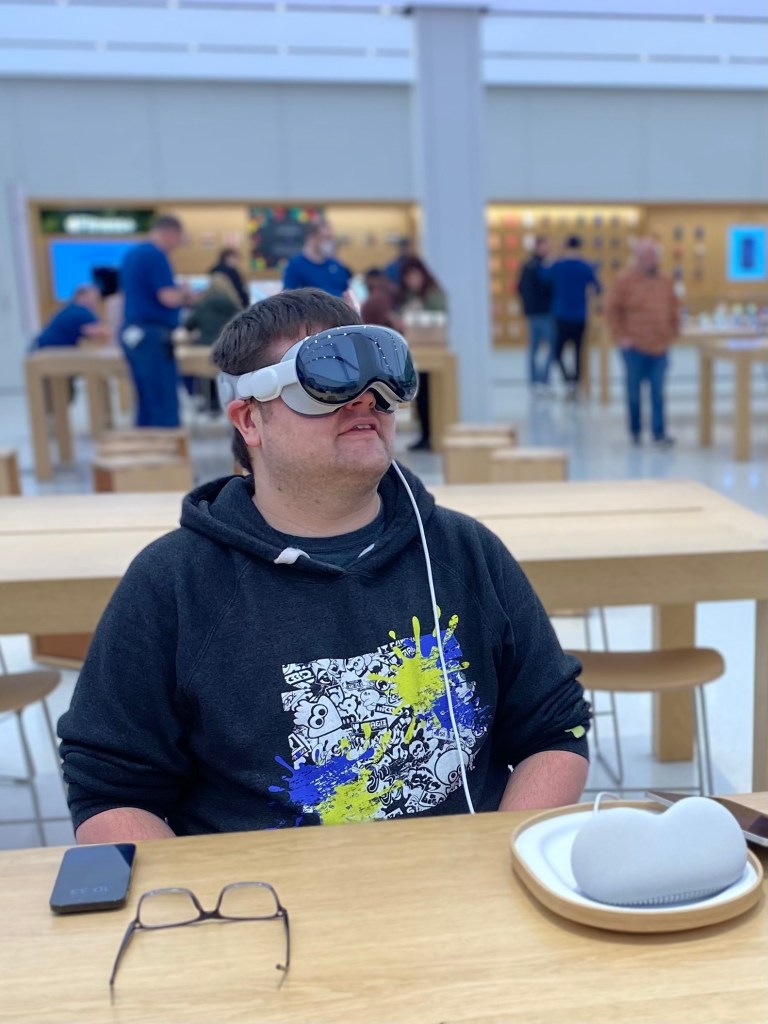
Right away I noticed the newfound weight on my face. In half an hour, it was hard to gauge how much of a problem this would be long term. After a few hours, after a few weeks, it could be totally fine. I have no way of knowing. The other thing I noticed was that the Light Seal wasn’t blocking all of the light around me. If I looked down, I could see a thin bit of light leakage from the store around me. It wasn’t bad and didn’t bother me, so I went with it. I tried to adjusted the Fit Dial on the side on the headset to make it a little tighter, to more snuggly fit my face, but the dial was maxed out. I probably could have asked for a smaller size, but I did want to keep the demo going and not be super demanding. I wasn’t intending to purchase one after the demo after all.
Right after that, the second thing I noticed was that I was in the Apple Store. I could see my partner at the other table across from me, the employee next to me was right where I left him prior to putting Vision Pro on, and I saw the screens flickering around the Apple Store. It was kinda immersion breaking to be honest. But I also noticed that everything around me was a bit blurry. Just like it would be if I woke up and walked to the bathroom without having put on my glasses. This was a frequent occurrence throughout my demo and just had to live with it. I was able to get the idea of what I was looking at; I’m not TOTALLY blind without my glasses after all. (Just very close)
The third thing that happened was I was prompted by Vision Pro to calibrate eye tracking. I used my eyes to look at a series of dots that appeared around me and would tap my fingers together when they were hilighted to select them. The eye tracking was very good throughout the whole demo. There were a few instances where I was looking at something, like the corner of a window, and the resize option didn’t appear and I was a little confused on how to make it appear. When something like that occurred, I was never certain what to do. I usually looked somewhere else and then redirected my eyes toward what I wanted to do originally. Sometimes I would try just randomly taping my fingers together to see if visionOS could guess at what I was trying to do. This only happened twice, but did leave me slightly frustrated in those moments.
The next thing it had me do was setup my hands for hand tracking. I put my hands in front of me and after a few seconds it said they were ‘connected’. I was able to tap my fingers together to select things I was looking at with my eyes, I could tap and move my hands outward and inward to move windows and resize them. It was very, very cool and surprisingly natural.
In same way the design of Apple Vision Pro felt like an amalgamation of previous Apple devices from the past decade, the UI of visionOS feels much the same. When looking at an app icon, it slightly expands and displays the app name like on tvOS. The UI of resizing windows is lifted almost directly from Stage Manager on iPadOS. iPadOS apps themselves can be run natively on visionOS. App icons themselves are circular similar to watchOS. The window bar that appears under all windows looks like it was pulled right out of iOS.
Once I found my footing in visionOS I was directed to the Photos app to view some photos. I was directed toward an album that had the sample photos to look at. The first was a pretty standard photo that was taken on an iPhone. Once it was selected, the room around me dimmed to emphasize the content. It was a very cool effect and one that I found enjoyable. The next was a Panorama photo that had been taken on an iPhone as well and when expanded it surrounded my space. It was also very, very cool. I actually quite liked this feature as I almost felt teleported to the lake where it had been taken.

Trying to minimize the Panorama and view the next photo in the album proved to be a little tricky. I couldn’t locate a minimize button and swiping with my hand to the next photo caused some kind of error to occur where there was no photo in my space for a second and then the Spacial Photo loaded. The Spacial Photo itself was cool. It almost felt like viewing a memory from one of the memory orbs in Pixar’s ‘Inside Out’. The Spacial Video I saw next was similarly cool, but I don’t know if I’d want o take one. TO take one, I’d have to either hold an iPhone 15 Pro up close to a subject and turn on the specific mode, or get up close to a subject while wearing Vision Pro. It’d be a very… strange… scene to others in the room.
I got a quick tutorial on how to use the Environments feature with the Digital Crown. Turning the Digital Crown allows you to dial in a 3D background that essentially replaces the space around you. So with a quick twist of the Digital Crown, I was once again teleported from the Apple Store to what I believe was Mt. Hood. It was very cool to be able to finely dial in and out my level of immersion. I could definitely see situations in which I’d use Environments, but I generally found myself preferring to stay in my actual space, in the Apple Store.
A quick press of the Digital Crown brought up the Home Screen and allowed me to open the TV app. I selected an option on the sidebar and it brought up a selection of 3D video content. By far my favorite part was getting to watch a clip of the Super Mario Bros. Movie in 3D. In some cosmic way, I like to think that this validates Nintendos experiments with 3D on the 3DS. I also felt like I was playing Super Mario 3D Land all over again. It was so cool I had to watch the clip twice. Once in the normal window size and once again in a massive window I put slightly above me to feel like I was in a theater. It was kinda incredible.
Also in the TV app was a quick video that showcased the ‘Apple Immersive Video’ format. The format is shot with a special camera that shoots video in 180 degree views. This was easily, by far, my favorite part of the demo. The video was so incredibly detailed. And the depth it captured was incredible. Everywhere I looked I saw some new detail in the video. The standout moment was when a baseball and soccer game came on. It felt like I was standing right there on the sideline of the game watching in person. I hate sports, but I’d watch sports on Apple Vision Pro.
The standout moment was when a baseball and soccer game came on. It felt like I was standing right there on the sideline of the game watching in person. I hate sports, but I’d watch sports on Apple Vision Pro.
Connor Duffus
Once I saw the video, my demo began to wrap up. I was instructed to open the Compatible Apps folder on the Vision Pro Home Screen and open an iPad app. And I got to experience having 3 different windows from three different apps be all around me. And a mix of those apps were visionOS and iPadOS apps. I didn’t get to interact with the iPad app, but I’m also not certain how I would have. I tried to look at the app and control it that way but none of the visionOS UI elements got overlaid or seemed to react. So I am a bit worried how good (or bad) iPad apps will be on Vision Pro.
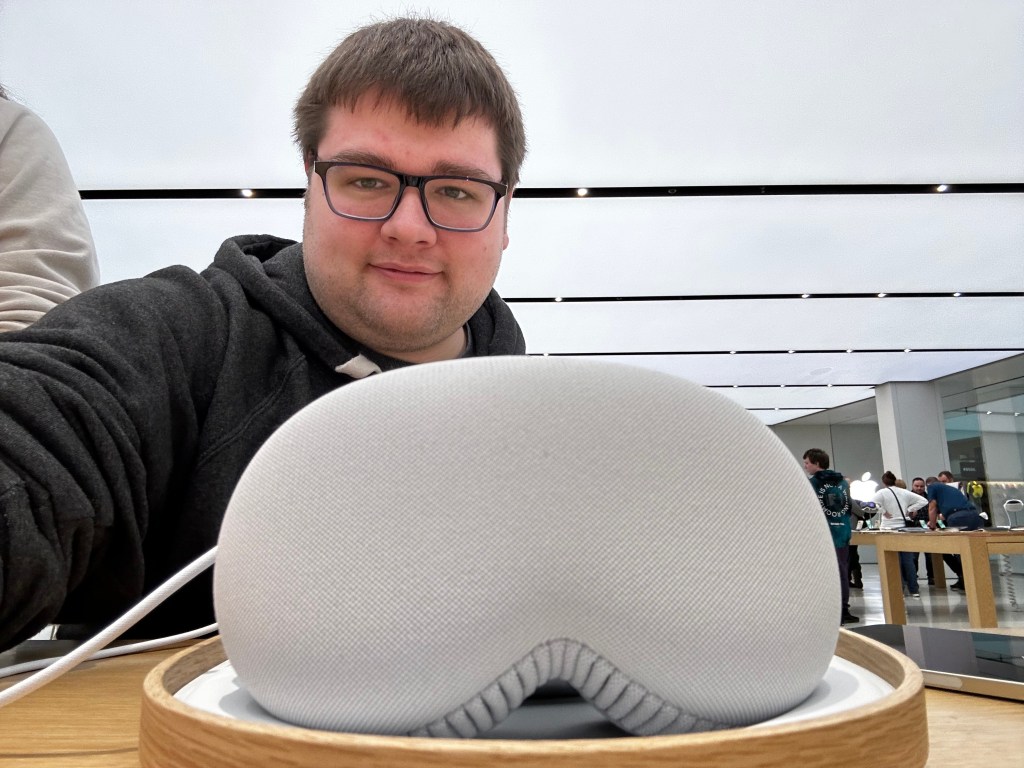
And that was where my demo ended! It was a really cool experience overall. I think Apple Vision Pro is a great product and one that in a couple of years most will be using. The biggest holdup right now is price. It’s $3500. The ZEISS Optical Inserts will add between $100-$150 to that. The Travel Case will add another $200. Not to mention that entertainment is the biggest draw and best experience you can have on Vision Pro and that content will cost money. Apple TV+ is $7/month. Disney+ is now I think $10/month. While movies purchased directly via the TV app don’t cost extra right now, I could see that being a thing companies charge extra for in the future.
The second holdup is comfort. By the end of the 30 minuet demo, I could definitely tell I was wearing a heavy device on my face. My partner mentioned she had felt some uncomfortable pressure build up under her eyes where Vision Pro was resting. Making Vision Pro out of lighter material, like plastic or maybe titanium would yield a better result.
The final holdup, and the one that made me not go back to the store and buy Vision Pro right then and there, was my prescription.
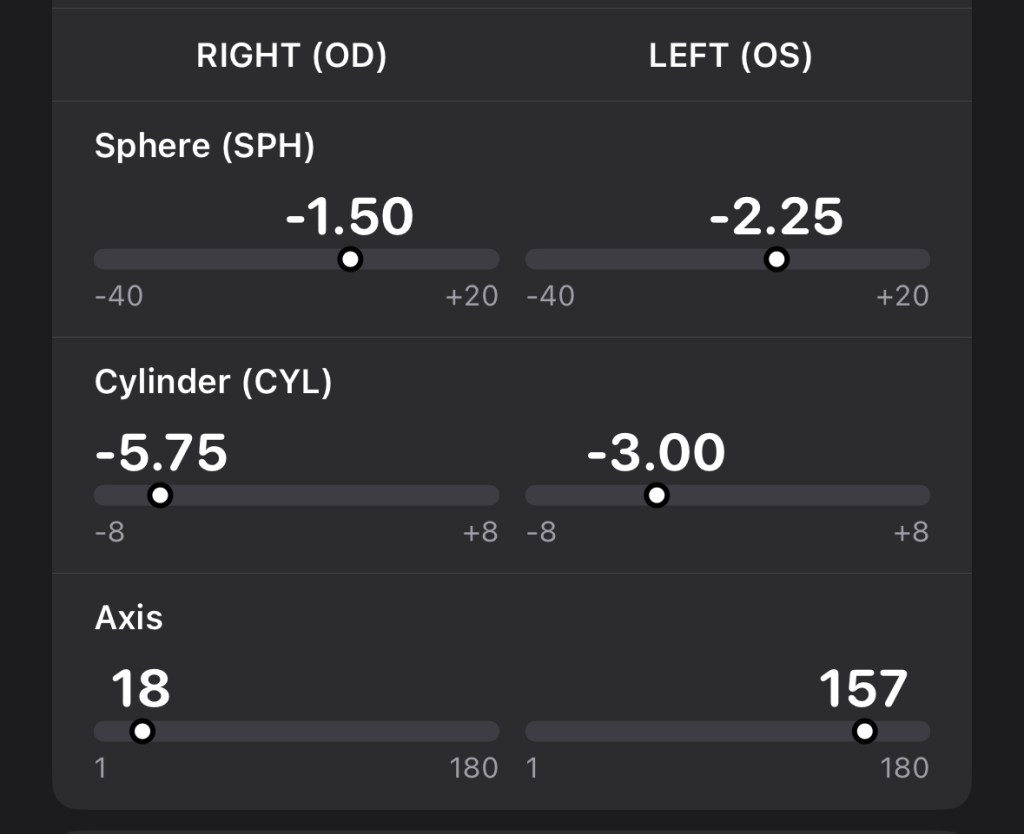
I have a very strong astigmatism which greatly impacts my vision and requires a pretty strong prescription to correct. When entering this prescription into Apple Health, it thought my right cylinder was an error. Let that sink in. I already knew from the demo they didn’t have my prescription in store, but I checked on ZEISS’s website and they confirmed that they cannot produce optical inserts for my prescription for use with Apple Vision Pro. And since you need a valid prescription to get ANY inserts, I am SOL. Apple also doesn’t currently allow for any third party inserts either, so that isn’t an option.
My astigmatism is also so severe that soft contacts are not available. I’d have to wear hard lenses and Apple Vision Pro doesn’t support hard contact lenses. It dosen’t really matter how you slice it- if I were to get Apple Vision Pro, I could use it, but I would not be able to see anything. It’d be worse than using any other Apple device I own.
So I do hope that Apple and ZEISS are working to support a greater range of prescription lenses and/or making adjustments to future versions of Apple Vision to allow for people with such sever vision issues to more effectively use the device in the future.
 Soul of Apple
Leave a comment